VoiceOver: My New, Accidental Reading Superpower

Back in 2018, I served as crew chief for a four-tandem-bicycle RAAM team—the first team with all-blind stokers to complete the Race Across America. What impressed me almost as much as the athletic feat itself was watching how the stokers operated in the world off the bike despite being vision impaired.
My friend Dan Berlin, then the co-founder and CEO of Rodelle—one of the world’s leading vanilla extract companies—could navigate through the labyrinthine rented mansion we used as our first training camp base more efficiently than I could. Sure, he had more practice “visualizing” and memorizing room layouts. But his mastery of an iPhone without being able to see it was something else entirely.
How VoiceOver Works
The key is that the phone can read the screen aloud. This accessibility feature on iPhone is called VoiceOver. At the time, it was widely considered superior to Android’s equivalent—whether that’s still true, I can’t say.
Listening is normally slower than reading, which is why I always preferred textbooks over lectures in school. But what struck me about Dan and the other visually impaired athletes was that they weren’t using VoiceOver at its default speed—labeled “50%” on iPhone, which is already something of a misnomer. They’d set it closer to 65%. That sounds like a modest 30% increase, but the rate slider is likely logarithmic rather than linear, so the actual perceived speed is considerably faster than the math suggests. Think: livestock auctioneer.
Inspired by that, I started using VoiceOver myself—but for a different purpose: reading articles in foreign languages I was studying. VoiceOver’s pronunciation and accent are more native-sounding than my own internal voice, at least for anything that isn’t a proper noun. Listening to it helps me absorb natural pronunciation patterns before I have to produce them myself.
The Screen-Before-Bed Problem (and How VoiceOver Sidesteps It)
This year, I went further and started using VoiceOver to read English-language articles while lifting weights. That worked well enough that I extended it to books—especially in bed.
You’ve probably heard that looking at screens before sleep disrupts sleep, courtesy of blue light and mental stimulation. I use Night Shift on iPhone (which reduces blue light) and turn the brightness all the way down. My honest suspicion is that this produces less total light reaching your eyes than reading a paperback with even dim bedside lamps. That said, I’ve seen the counter-argument that “a screen is still a screen,” even with Night Shift.
VoiceOver sidesteps the debate entirely. You can set the phone face-down and it will keep reading without the display being visible. (One caveat: it won’t read if the screen is fully locked and off—face-down is the workaround.) You get something functionally close to an audiobook without paying for one, and you can still read with your eyes whenever you prefer.
What I’ve more recently discovered is that VoiceOver is also a practical hack for travel. If you get motion sickness in moving vehicles—as I do on shuttles and buses—listening instead of reading visually eliminates the problem entirely. It also reduces eye strain on long flights.
The Books I “Read”
On my most recent trip, a multi-leg affair that took me from Fort Collins to Nashville, then Nashville to Baltimore, I finished two books thanks largely to VoiceOver.
Book #1: Small Fry
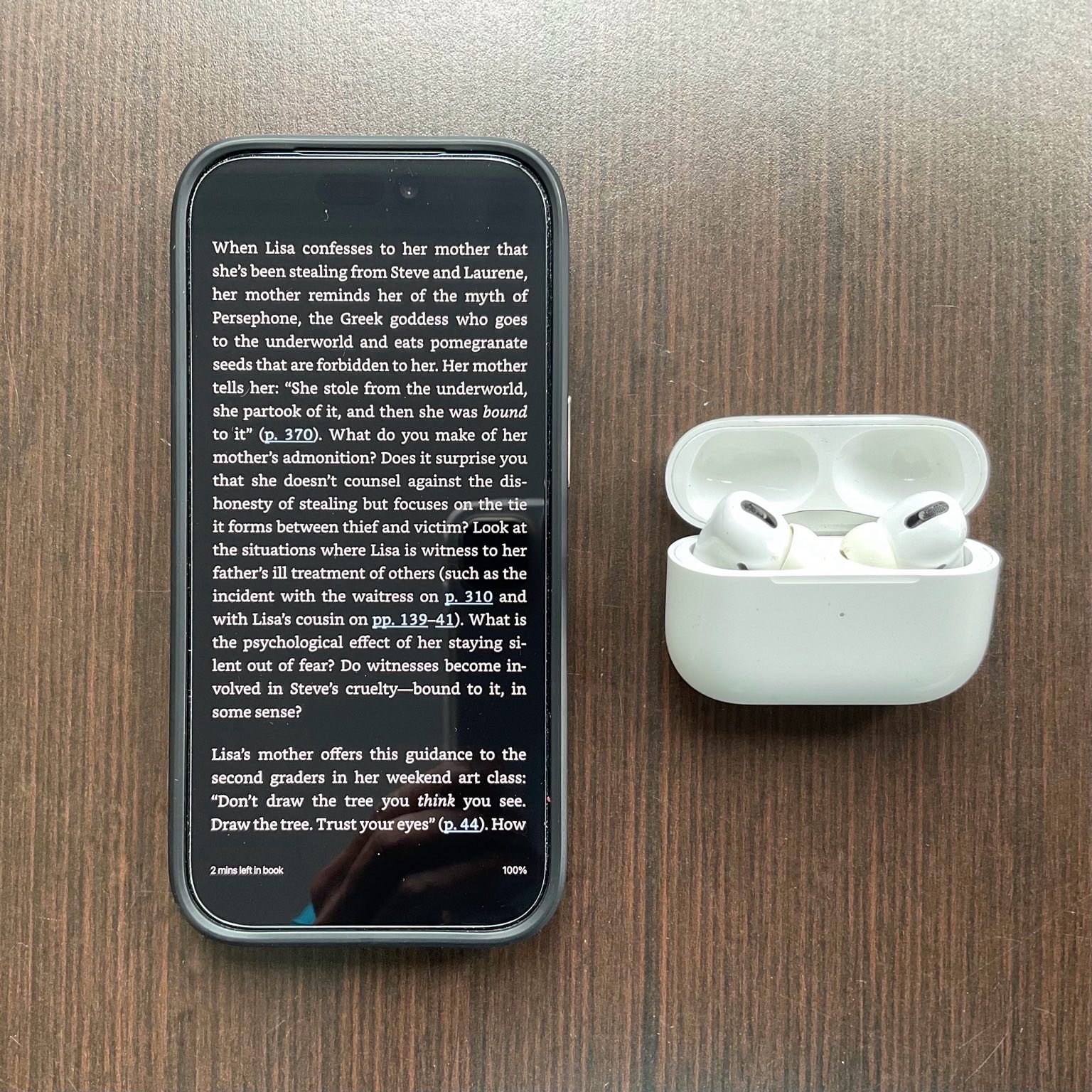
I started Lisa Brennan-Jobs’ memoir Small Fry in January—at the relaxed pace of a man who falls asleep within five minutes of reading in bed. (From a sleep standpoint, this is a feature, not a bug. The “screens ruin your sleep” theory may not apply to me uniformly.) The book surfaced through the Small Reads weekly newsletter, which highlights deeply discounted popular books by genre; the Kindle version was $1.99.
Small Fry is Brennan-Jobs’ account of growing up as Steve Jobs’ first daughter—one he infamously denied paternity of for years, even after a DNA test confirmed it. (He struggled to reconcile that reality with his sense of himself as someone destined to change the world. Lisa’s conception was a surprise to both parents, as her mother had an IUD that was unknowingly expelled.)
This is her first book, not ghost-written, and it’s a New York Times bestseller. Brennan-Jobs is an excellent, Harvard-schooled writer and her prose is polished and precise. But she also has a tendency toward implausible levels of scene-setting detail. For instance, she would describe exactly what people were wearing or exactly how the light fell during a moment that occurred when she was four years old—as if she could remember any of that! The book runs nearly 400 pages and could have been far shorter.
Progress in January and February was measured in increments. Then came the trip. The shuttle from Fort Collins to Denver alone is an hour and a half, and I had another two hours of flying ahead from Denver to Nashville—3.5 hours of potential reading time, and with VoiceOver, I could actually use all of it on the shuttle without arriving in Denver nauseous. I kept going on the plane and finished Small Fry before touching down in Nashville. Three months of bedtime increments was far exceeded in just one afternoon.
Book #2: Riders of the Storm
The second book was Rob Skinner’s Riders of the Storm: The Inside Story of London Edinburgh London and Storm Floris. I’ve reviewed it separately if you want the longer version. Short version: it’s an excellent book—and it includes a chapter about my own experience at LEL 2025.
The book came out in the third week of March, but I held off until I’d completed Small Fry. On the flights from Nashville to Baltimore via Atlanta, I read the first 200 pages using VoiceOver while also following along with my eyes—a combination that turned out to be even more effective for both pace and comprehension than either approach alone. I finished the chapter about my own LEL experience a few minutes before touching down at BWI. The rest I read that evening in Baltimore, eyes only, in about an hour.
So the honest accounting: VoiceOver carried me through the second half of Small Fry and the bulk of Riders of the Storm in transit. Two books, one trip, zero motion sickness.
Downsides
If you’re not a strong auditory learner, or your attention wanders easily, you’ll find yourself drifting and missing paragraphs. That’s a genuine limitation, not a minor one.
The voice is also more robotic than a professionally narrated audiobook. Though once you accelerate a real audiobook significantly, it starts to sound a bit odd too, so the gap narrows in practice.
One amusing side effect: I listened to Small Fry using the default Siri voice. I now have genuine difficulty imagining Lisa Brennan-Jobs sounding like anyone other than Siri!
Tips
Set Up an Accessibility Shortcut
You can toggle VoiceOver on and off by triple-clicking the iPhone’s side (power) button. Go to Settings → Accessibility → Accessibility Shortcut and select VoiceOver. Apple’s guide on accessibility shortcuts covers the setup in detail.
Complete the VoiceOver Tutorial
It takes about ten minutes and is worth every one of them. Without it, the gesture system will defeat you. In particular, learn the “rotor”—a two-finger twist gesture that lets you change settings like voice and reading speed without going into Settings each time. Find the tutorial at Settings → Accessibility → VoiceOver → VoiceOver Practice.
Learn the Continuous Reading Gesture
This one isn’t in the tutorial, which is a genuine oversight, because it’s the single most important gesture for reading in bed. Tap a paragraph to select it, then swipe down with two fingers from near the top of the screen. VoiceOver will keep reading beyond the current selection without stopping. Without this gesture, you’re swiping right after every paragraph—an endless chore that will make you give up inside of five minutes.
Customize Your Voice
VoiceOver offers not just male and female options, but different regional accents and pitches. I read Spanish articles using “Jorge,” which uses a Castilian accent. Manage voices via the rotor or under Settings → Accessibility → VoiceOver → Speech.
Turn Off “Link” Announcements
By default, VoiceOver announces “link” every time it encounters one. In a typical web article, this gets old immediately. Disable it via the rotor—look for “Punctuation” or “Links” controls—or under Settings → Accessibility → VoiceOver → Verbosity.
Use Noise-Cancelling Headphones When Traveling
Ambient noise on shuttles and planes makes it easy to miss words. I use first-generation Apple AirPods Pro, which handle this so well that I’ve never had to “rewind” for noise-related reasons.
Conclusion
I have a friend who set a goal of reading 52 books a year—one a week. That number has always struck me as aspirational in a way that made me acutely aware of how many news articles I was reading instead: pieces that command attention for ten minutes and more often than not, leave behind nothing of lasting value.
Three books through early April is not 52. But it’s more than zero (or one or two), and VoiceOver accounts for a meaningful portion of why. I have no shortage of candidates on the list. The question is just whether I’ll fall asleep first.